Every screenshot, exactly where you'll look for it.
Sift reads the screenshots on your iPhone, files each one — trips, receipts, codes, recipes — pulls out the details that matter, and helps you clear the rest in about a minute.
Read on your iPhone. Never uploaded.
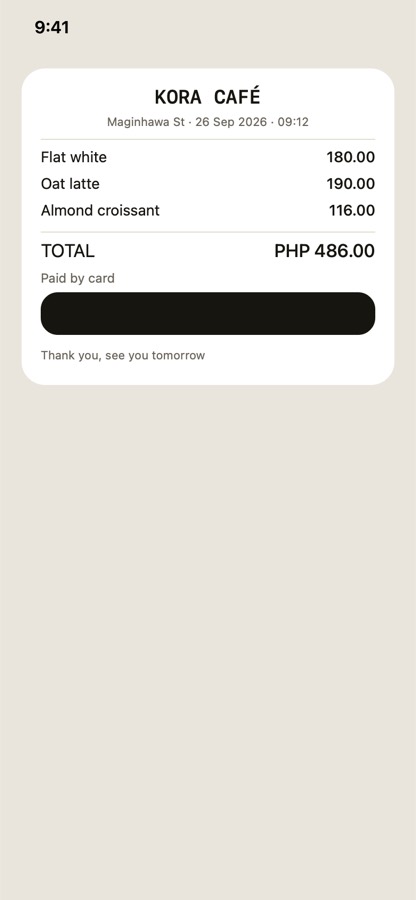
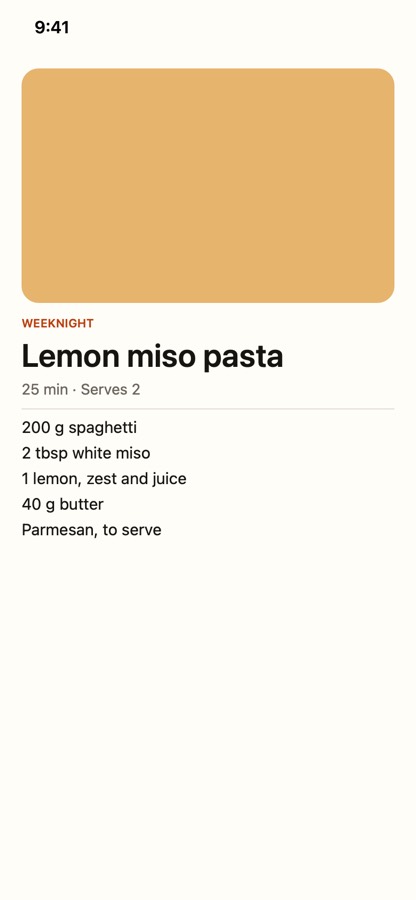
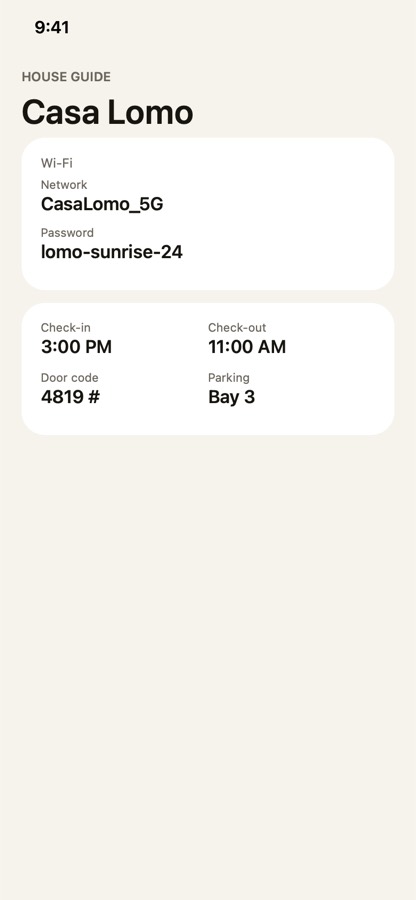
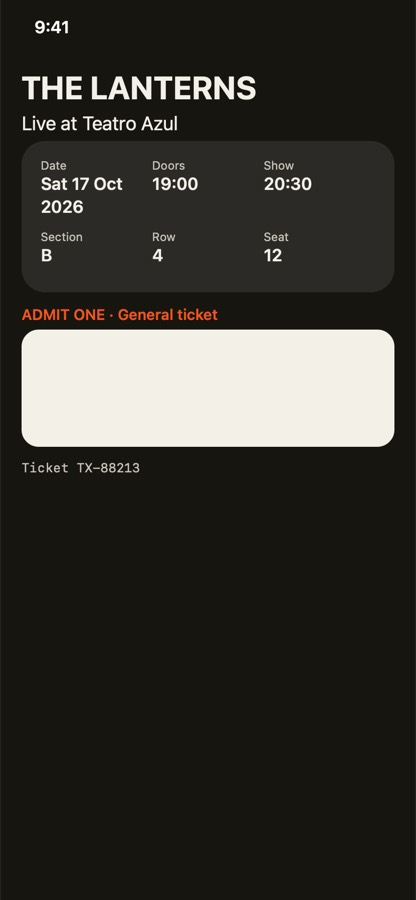
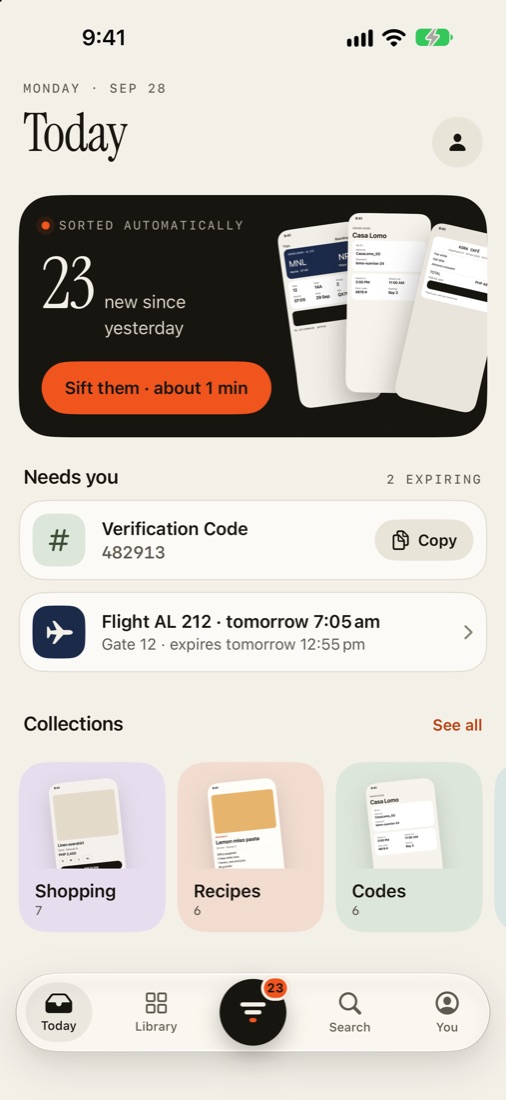
Sorted before you go looking.
Open Sift and your new screenshots are already filed. It reads the text on the phone and knows a boarding pass from a recipe from a Wi-Fi password.
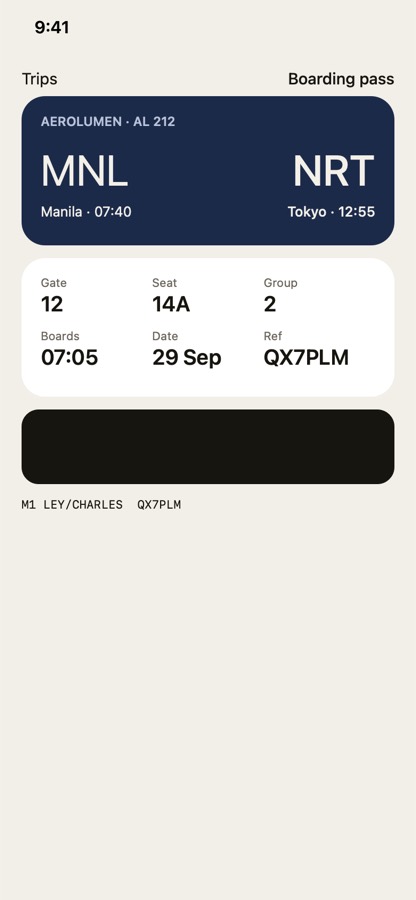
Flight, gate, code, total. Pulled out.
Sift finds the flight number, the Wi-Fi password, the booking reference and the total, and turns them into one-tap copies, calendar events and reminders.
A minute a day. Keep, act or let go.
Swipe right to keep, left to delete, up to act — copy the code, add the flight, get reminded tonight. Deletions wait for one reviewed batch and Apple's own confirmation. Try it — drag the card.
All sifted.
Find it by what you remember.
Words in the image, a date, or what it was for — “wifi at the airbnb”, “receipt last week”, “flight to tokyo”. Search runs on your iPhone, so what you type stays there too.
Ten collections. Zero filing.
Read on your iPhone.
Never uploaded.
Your screenshots are full of boarding passes, codes and addresses. So Sift has no server. Everything happens on the phone.
On-device reading
Apple's Vision reads the text and Sift sorts it on your iPhone. No pixels, text or searches leave it.
Nothing deleted behind your back
Sift deletes only a batch you reviewed, after Apple asks you to confirm. They stay in Recently Deleted for 30 days.
No account, no tracking
No sign-up, no analytics, no ads. App Store label: Data Not Collected.
What's next, before you open anything.
Your inbox on the Home Screen, the next boarding pass on the Lock Screen, Sift mode in Control Center, and “Sift my screenshots” for Siri and Shortcuts.
Free for everything that matters.
Sorting, search and Sift mode are free, forever. Pro adds the things that save you the next step.
Free
- Automatic sorting into collections
- On-device reading and search
- Sift mode with reviewed batch delete
- Copy codes, passwords, totals; open links and Maps
- Widgets and Shortcuts
Let your screenshots do the remembering.
- Add to Calendar, Remind me, Save to Contacts
- Self-clearing boarding passes, codes and tickets
- Deep clean: duplicates, expired and stale screenshots
Prices shown in USD. The App Store shows your local price and currency (₱ in the Philippines). Cancel anytime in Settings.
Questions
Does Sift upload my screenshots?
No. Sift has no server. Text recognition, sorting, search and everything else runs on your iPhone. The only network request Sift makes is to Apple's App Store if you subscribe to Pro.
Will it delete my photos?
Only when you ask. Screenshots you swipe away are marked, then you review the batch and confirm Apple's own prompt. Deleted screenshots stay in Photos › Recently Deleted for 30 days.
Does it sort new screenshots the moment I take them?
When Sift is open, yes — you'll see “Filed to Trips” right away. When it isn't, iOS doesn't let apps run on every screenshot, so Sift sorts them the next time you open it, or in the background when iOS allows.
Which iPhones does it work on?
Any iPhone on iOS 18 or later. On iPhones with Apple Intelligence, Sift also uses Apple's on-device model for even better titles.
How do I cancel Pro?
Settings › your name › Subscriptions › Sift. You keep Pro until the end of the period. Sorting, search and Sift mode stay free.
Clear your camera roll tonight.
Sift is on the App Store. Free to download, with an optional Pro subscription.
Join the Sift communityUpdates, tips and early builds for iPhone and Android